Social templates
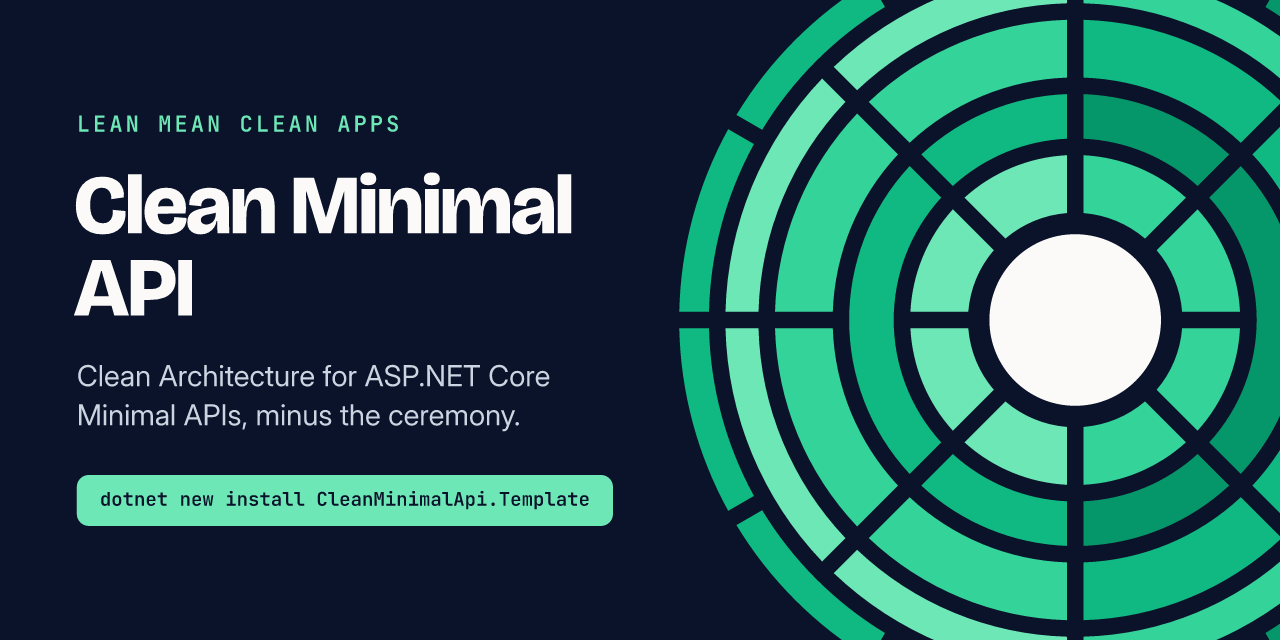
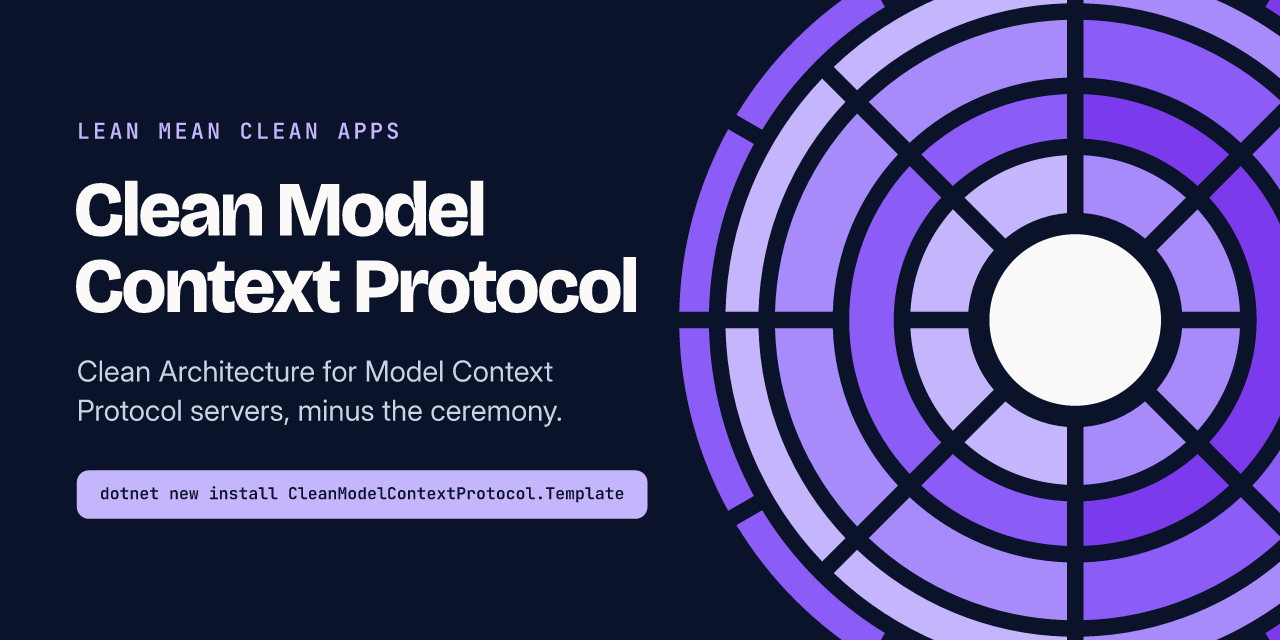
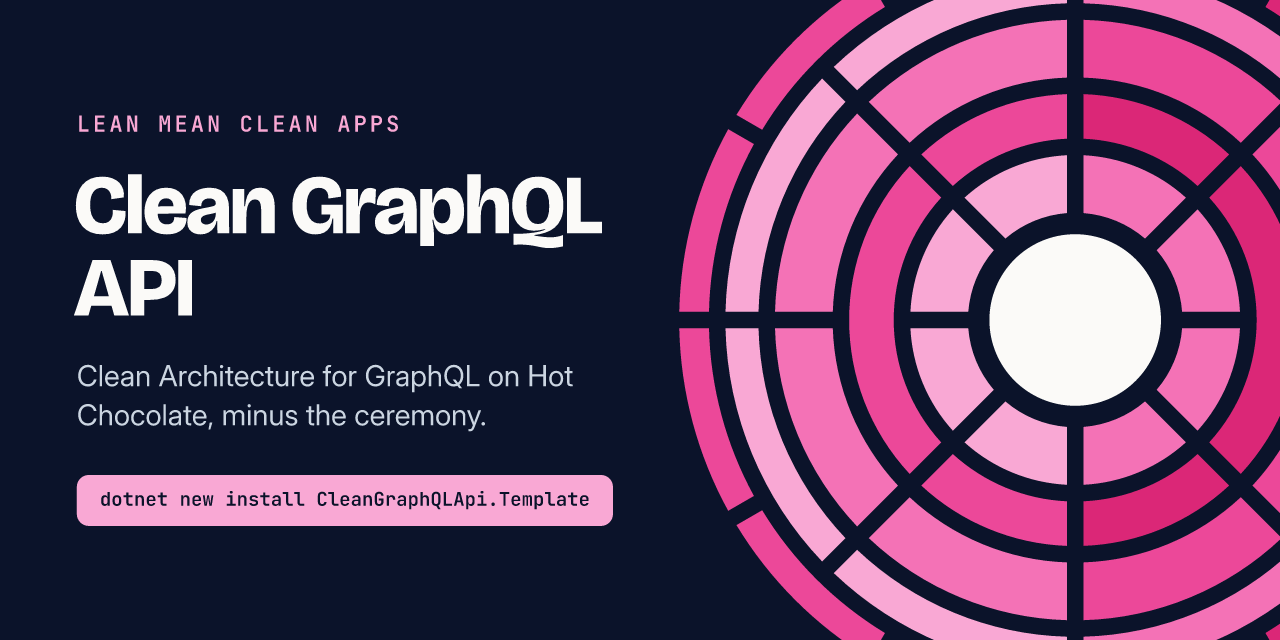
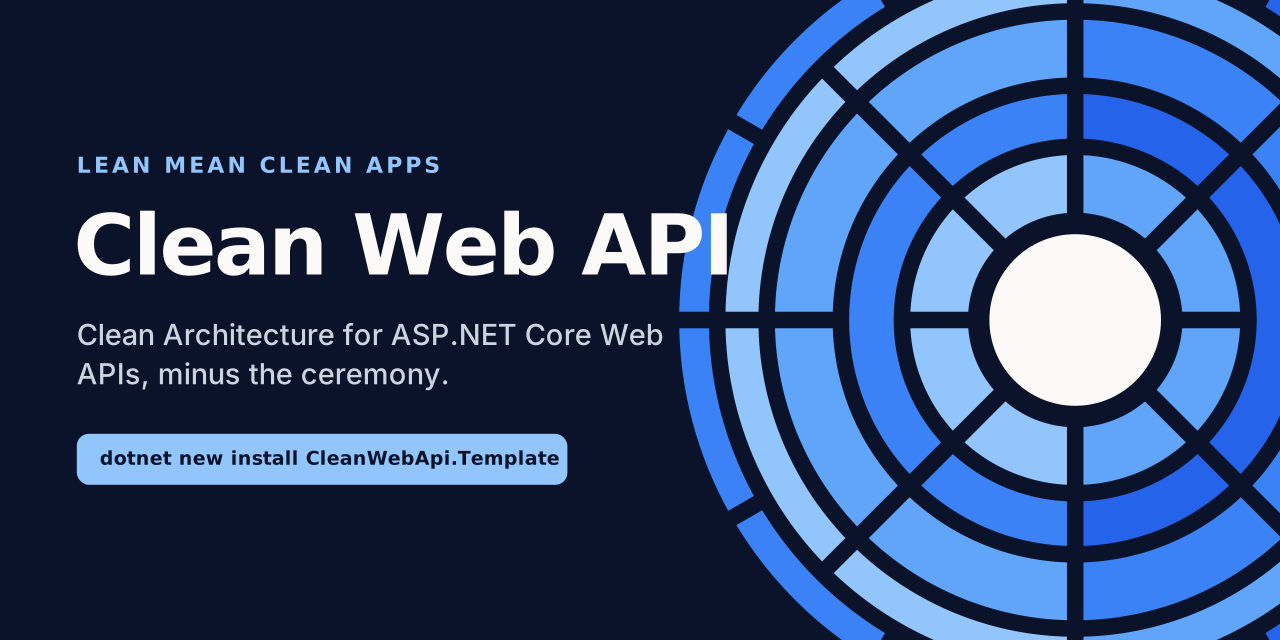
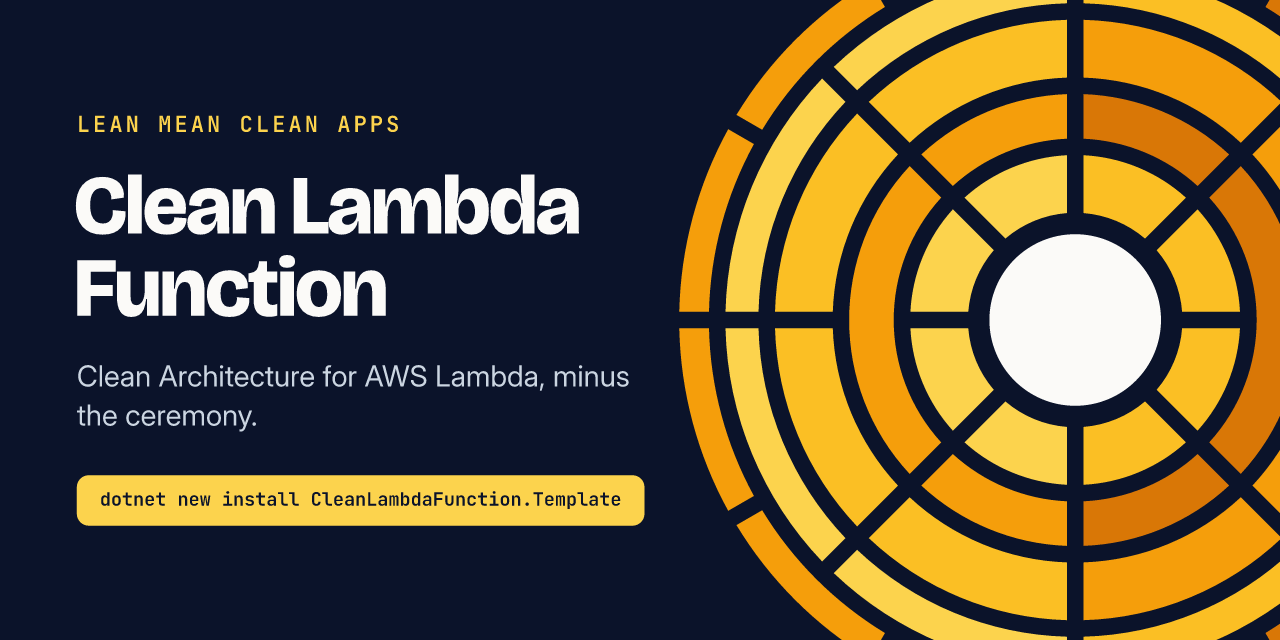
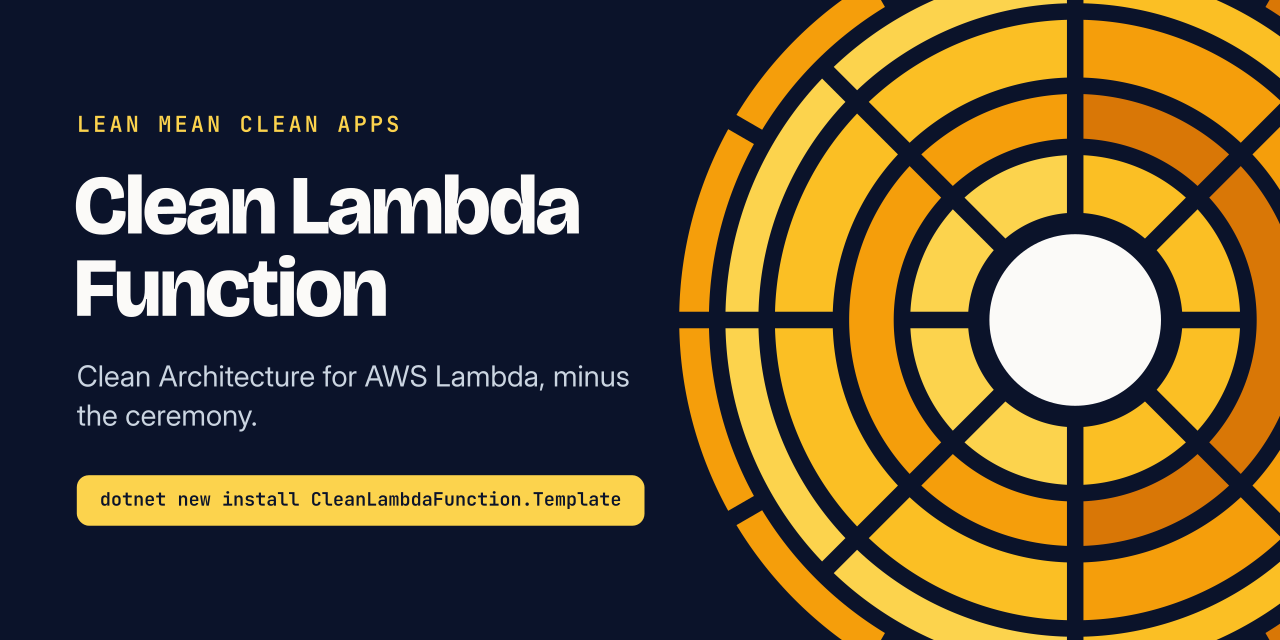
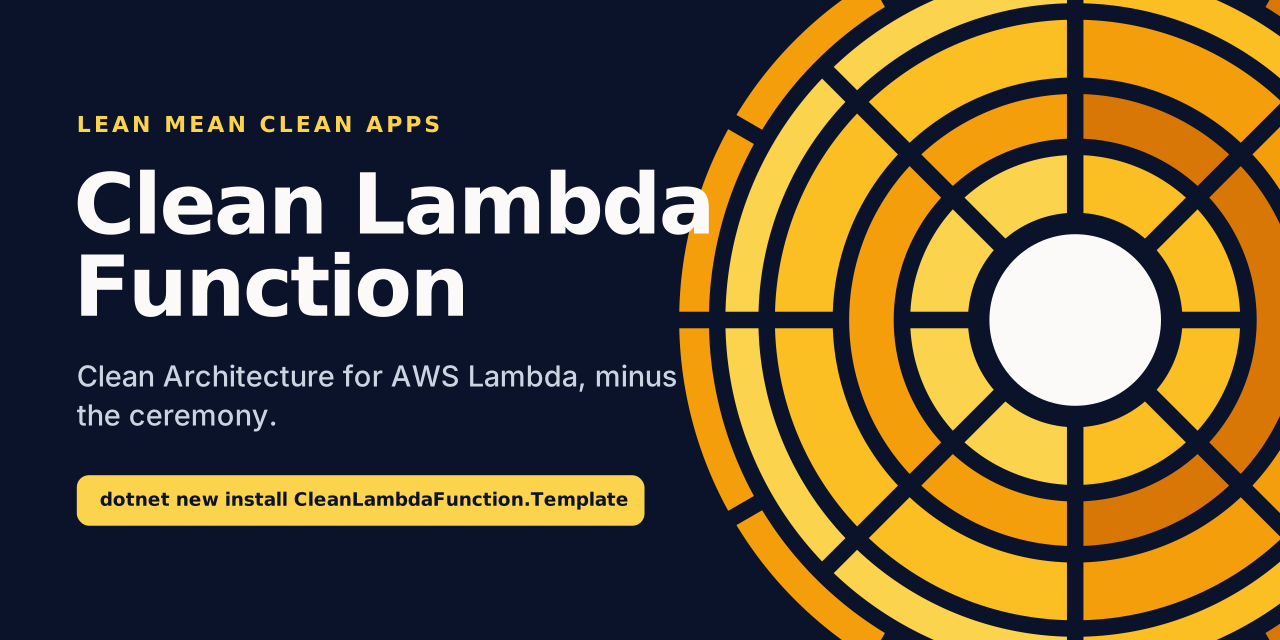
Each image comes in three formats, in assets/social/:
- PNG is what you upload.
- SVG has the text turned into outlines, so it looks identical everywhere, fonts or no fonts.
- Editable SVG keeps live text and named layers. Install the three typefaces before you open it, or your editor will swap in something else.
Repository previews
Section titled “Repository previews”Upload these in each repository under Settings → General → Social preview.
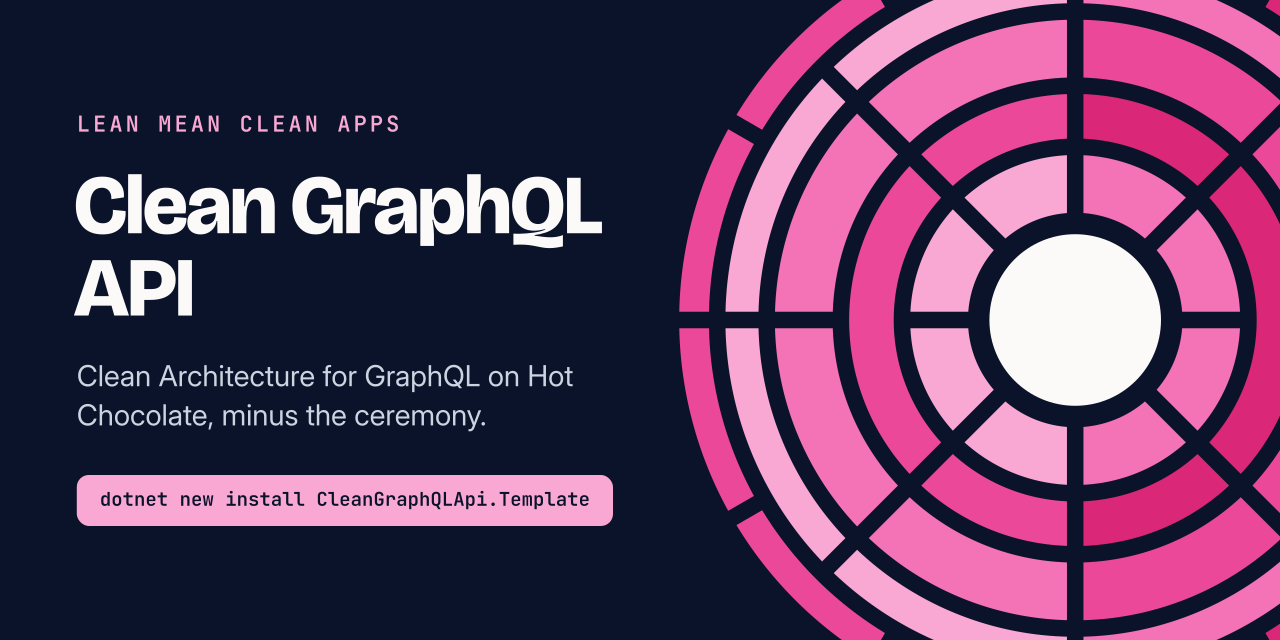
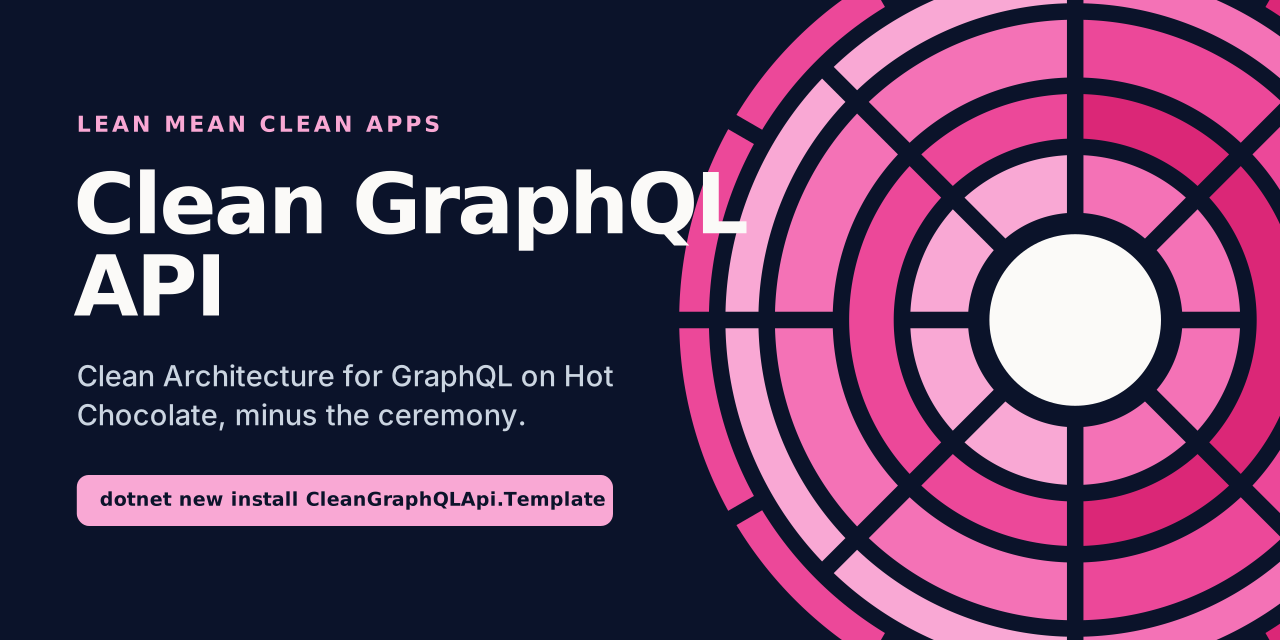
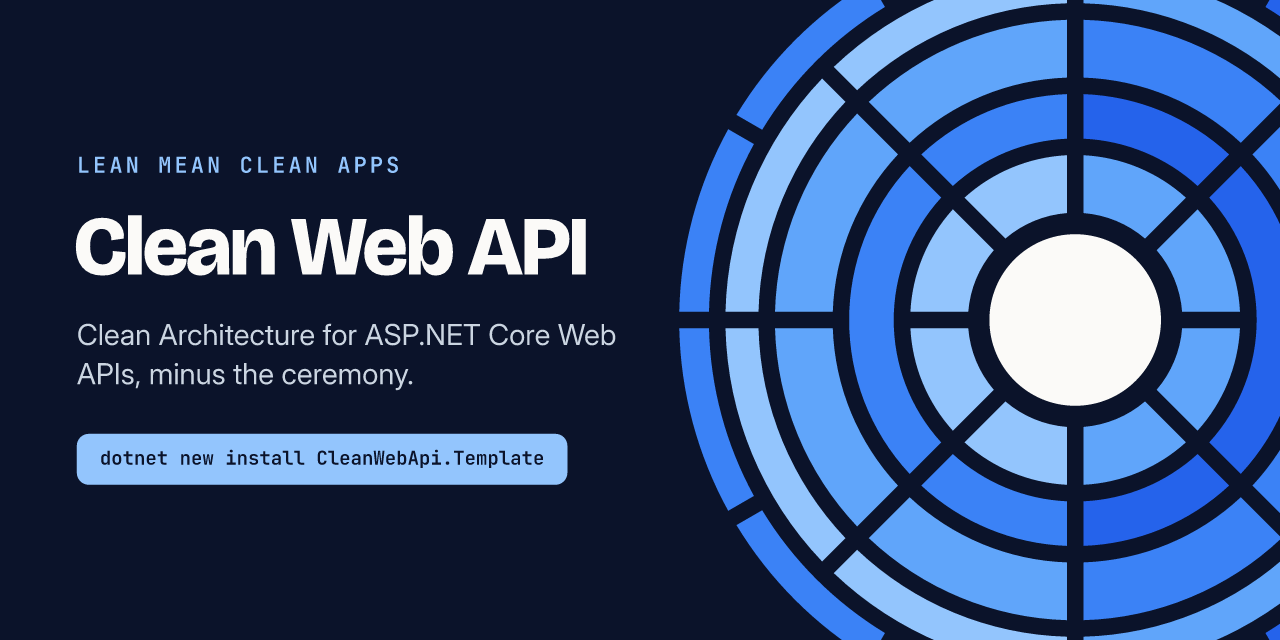
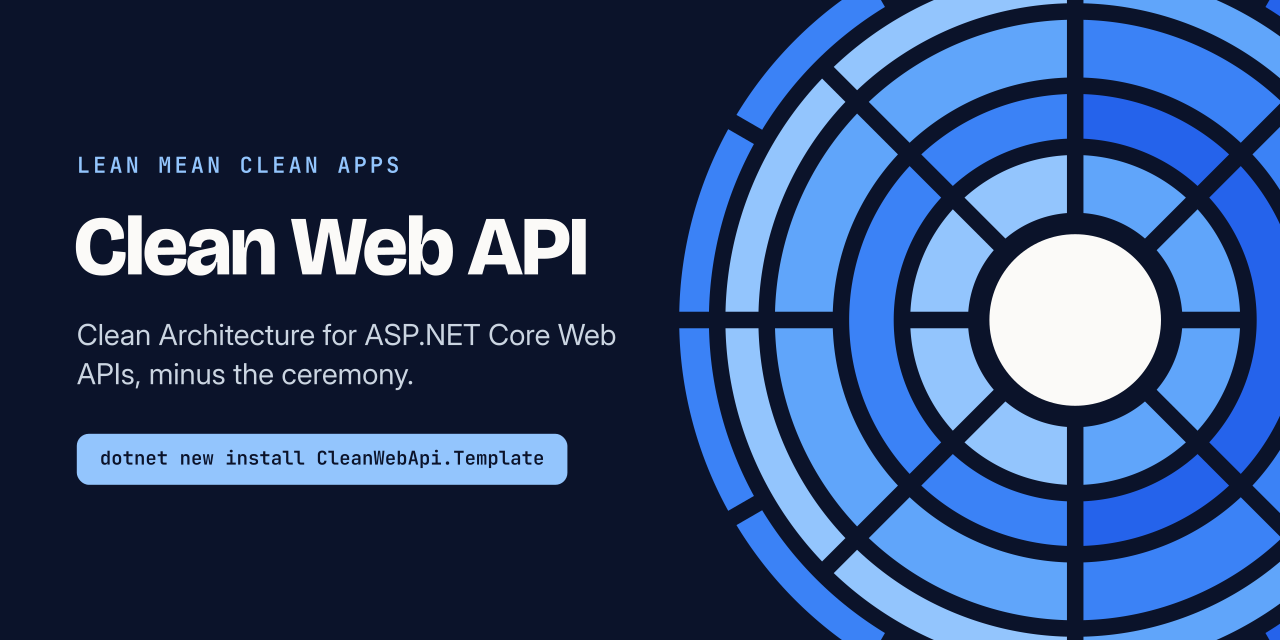
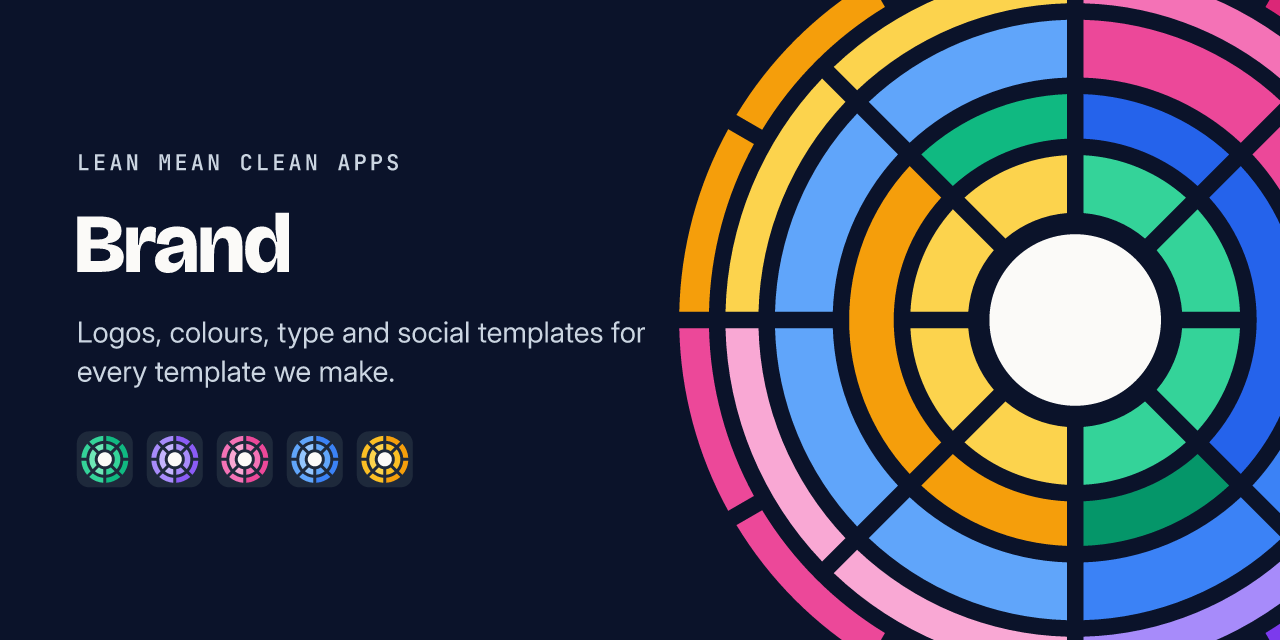
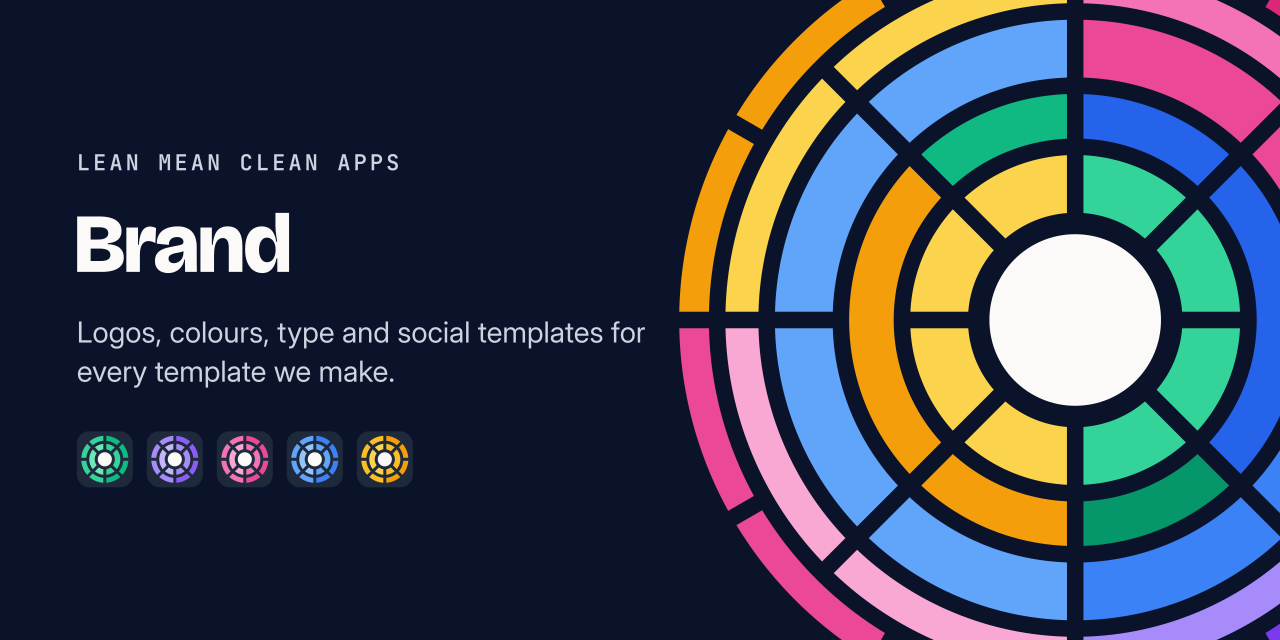
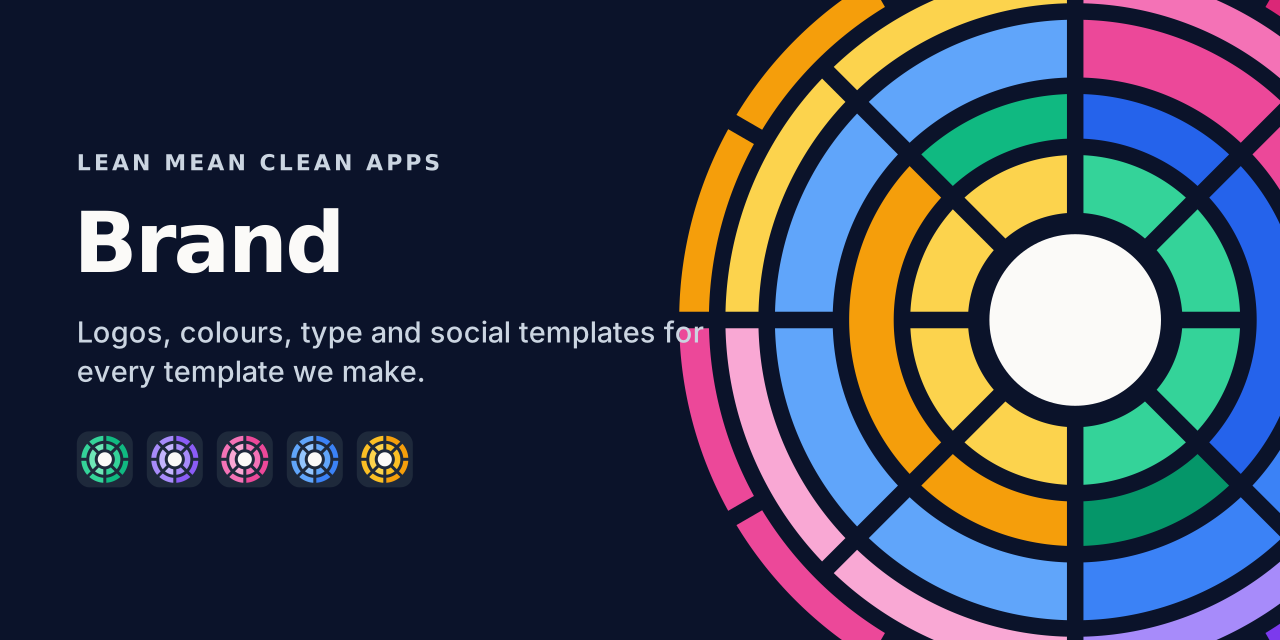
Organisation
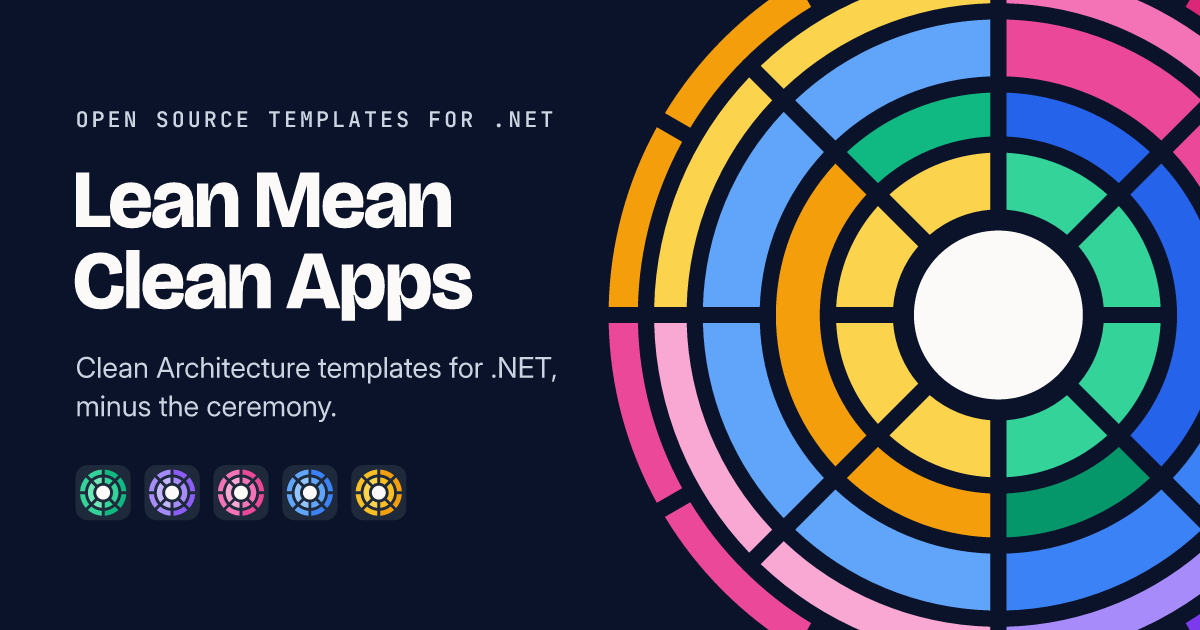
Section titled “Organisation”The organisation card comes in all three organisation colours. Spectrum is the default, and the banner and link preview use it too.
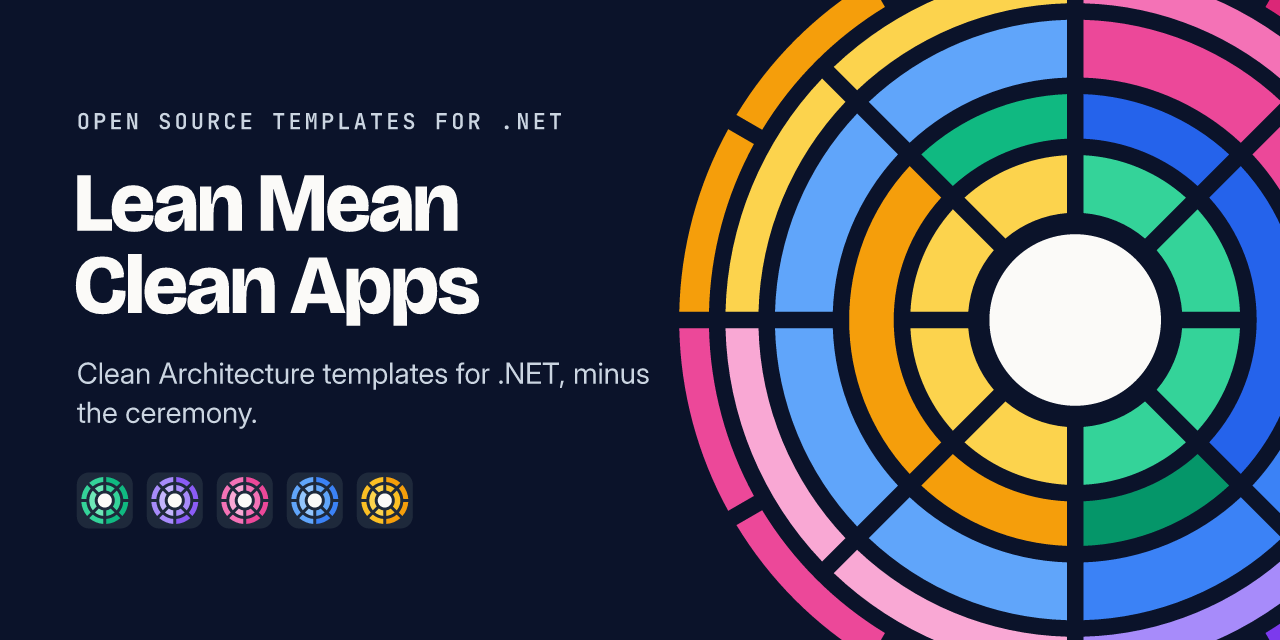
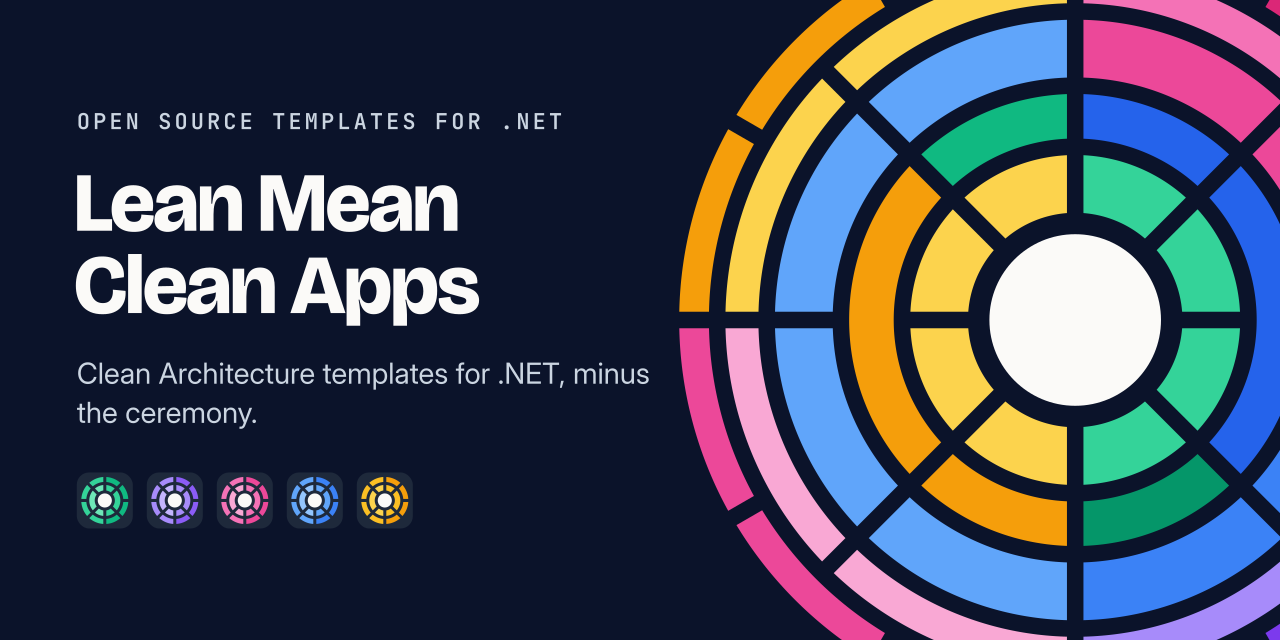
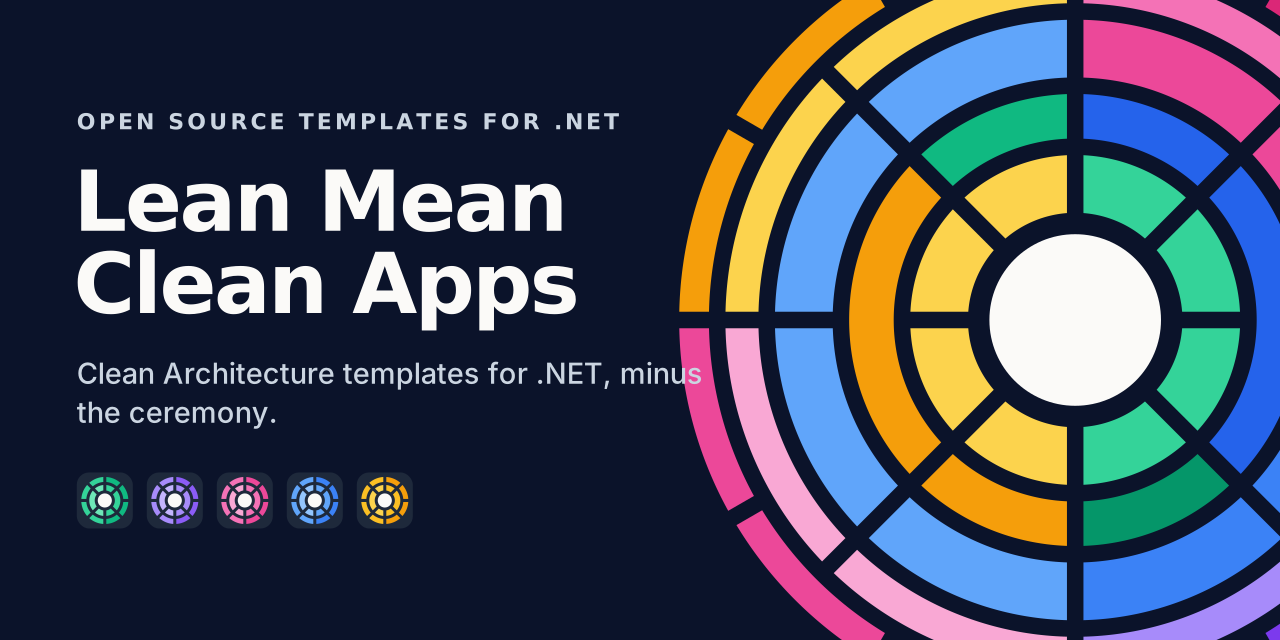
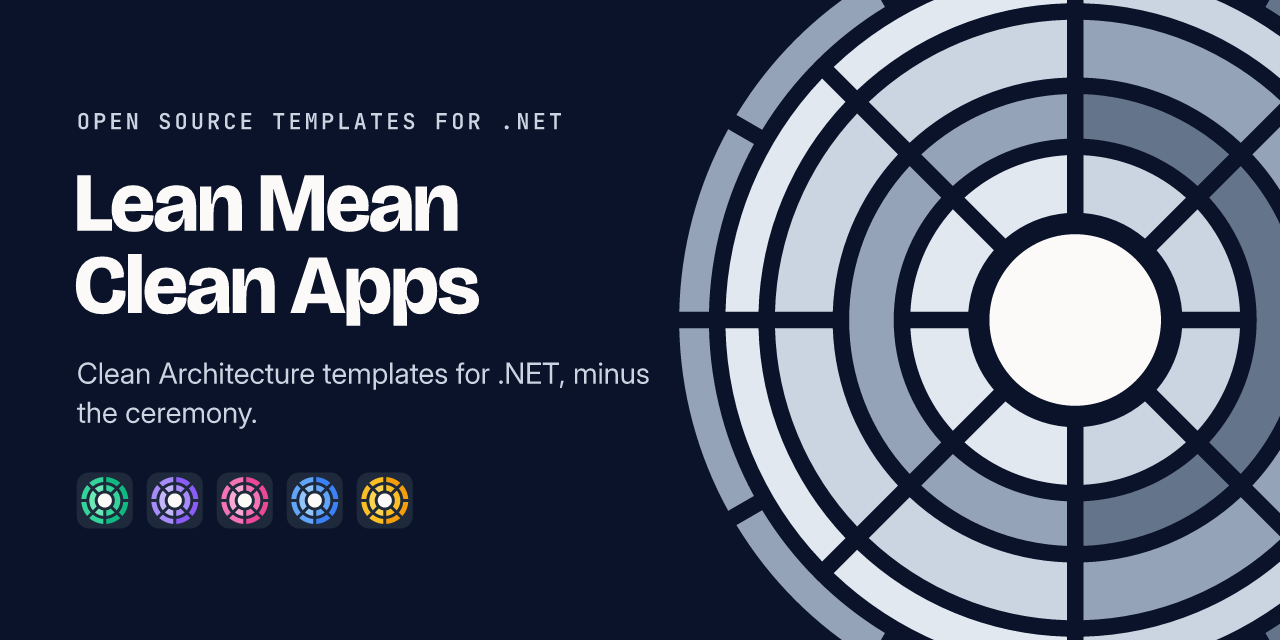
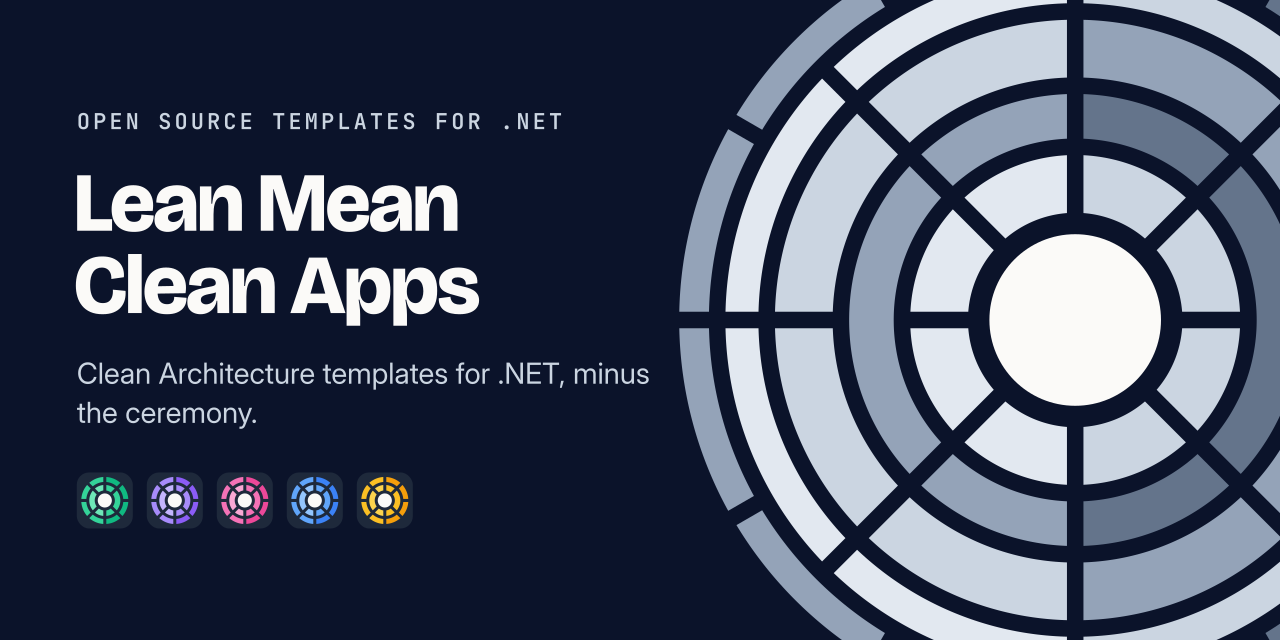
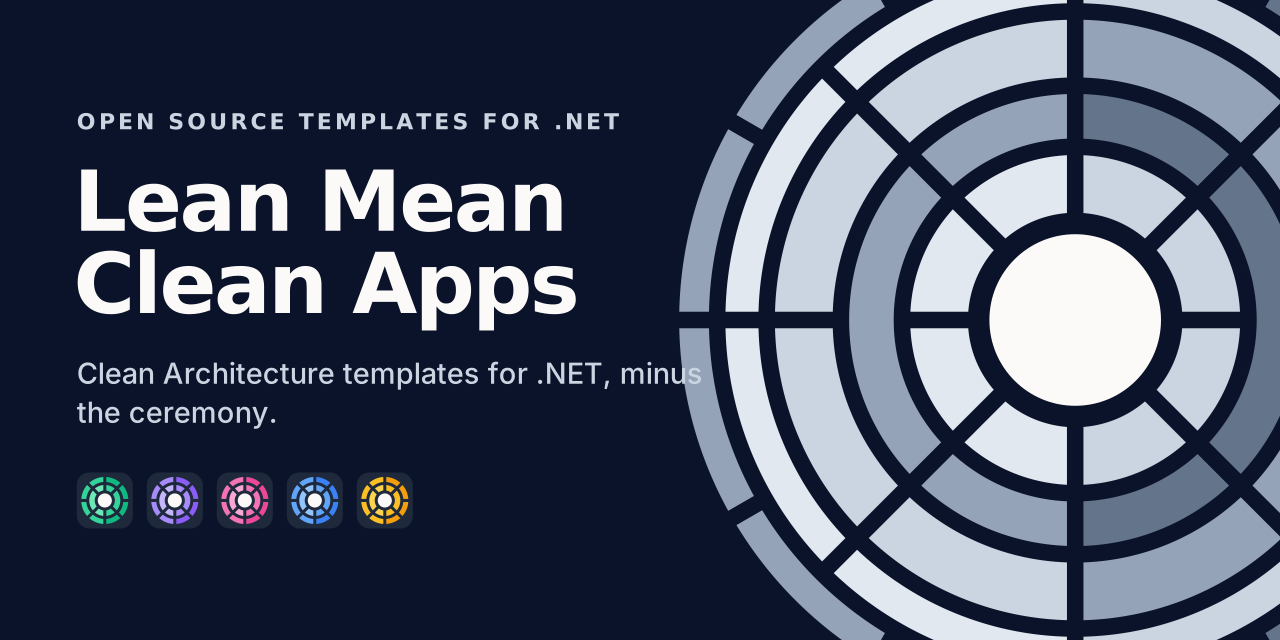
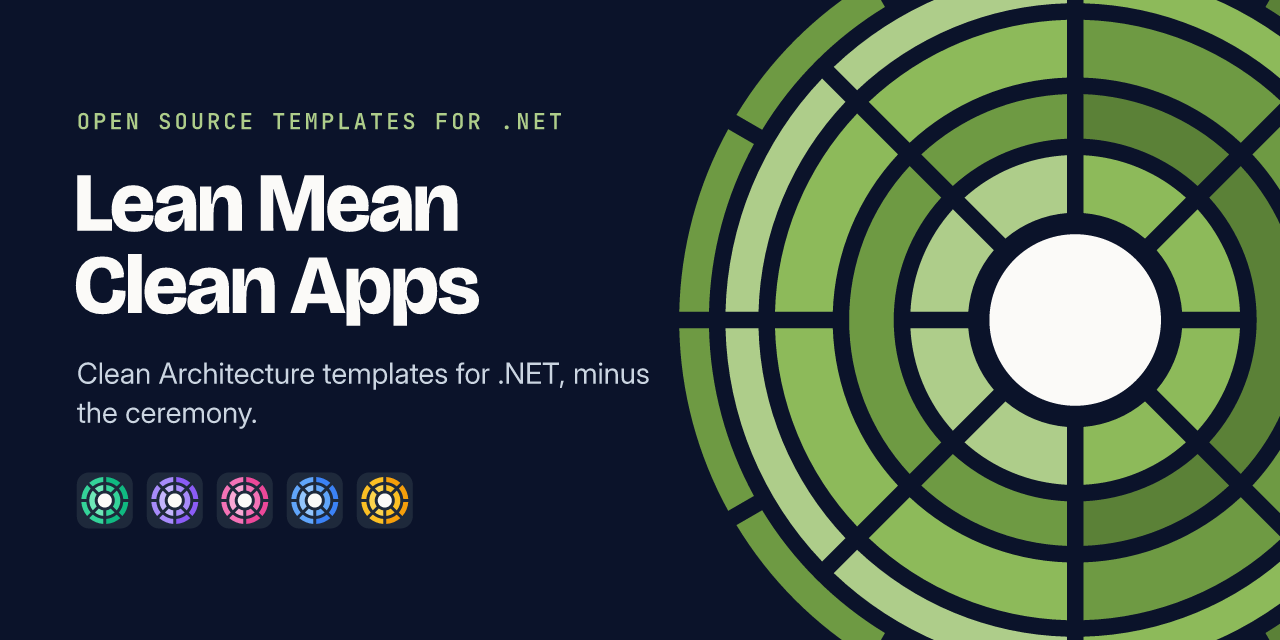
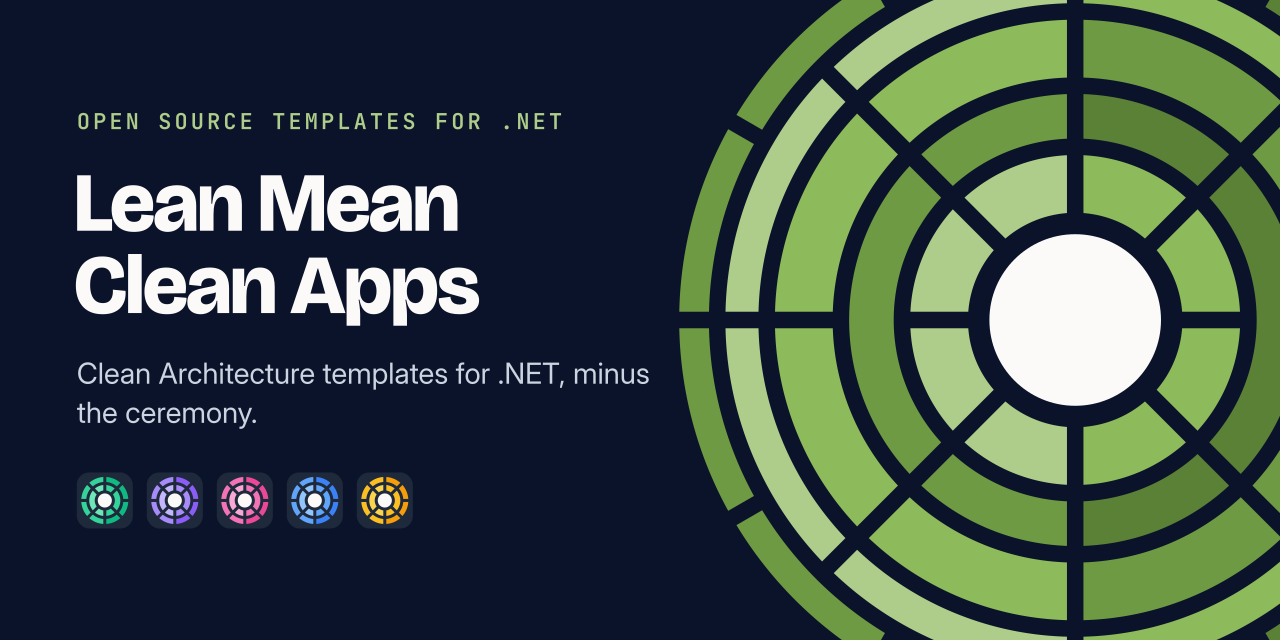
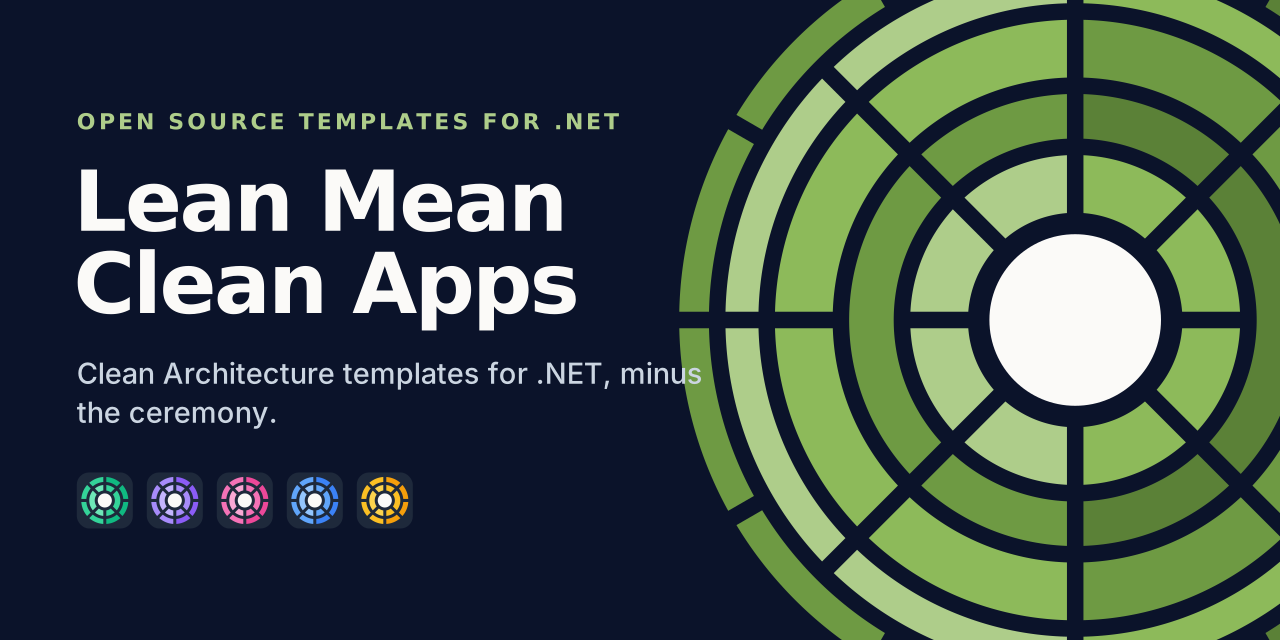
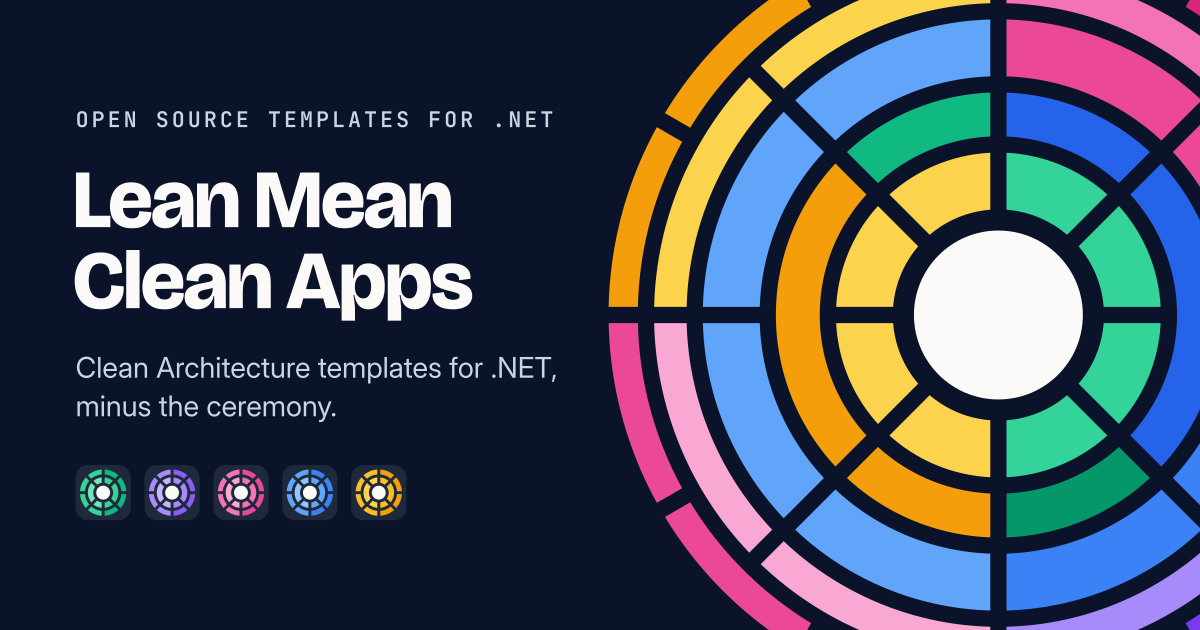
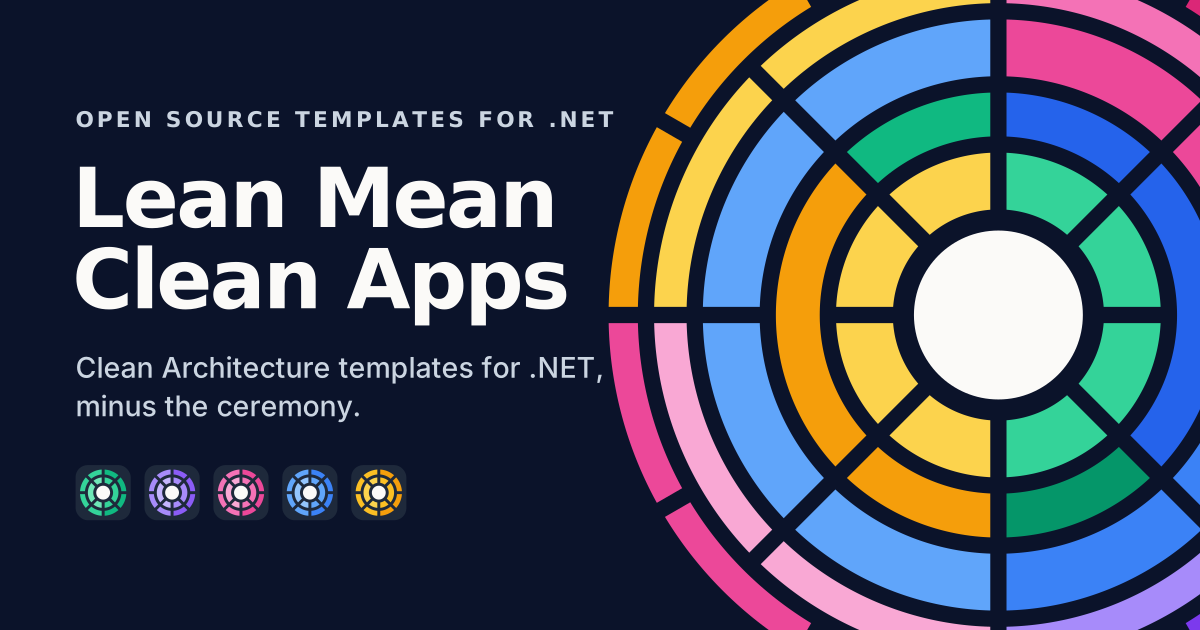
README banners
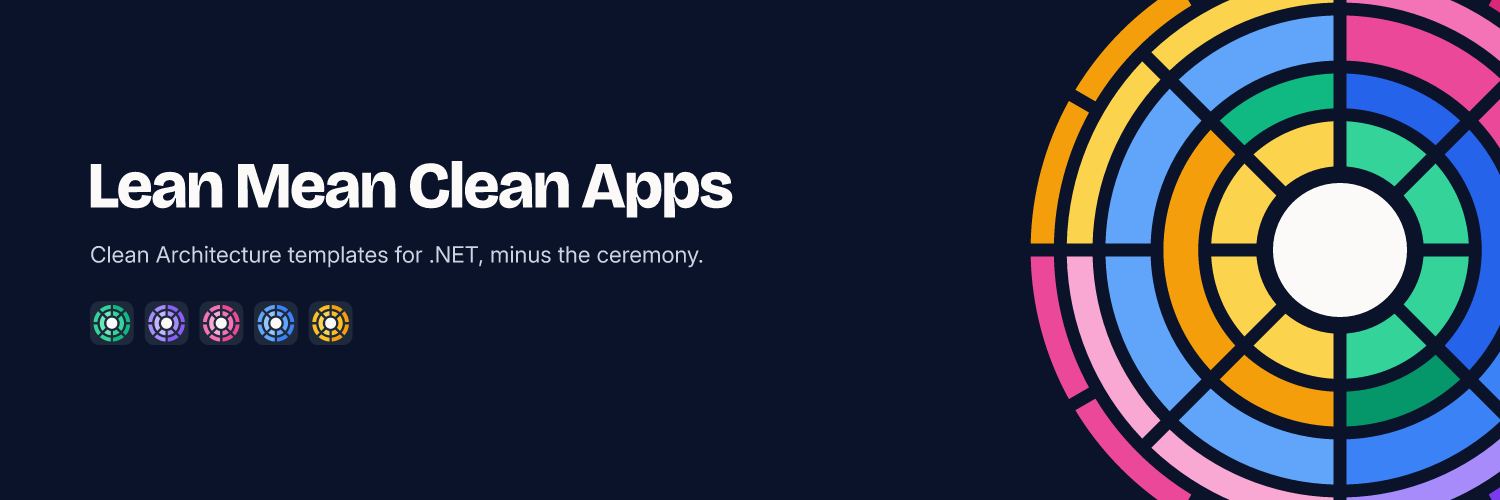
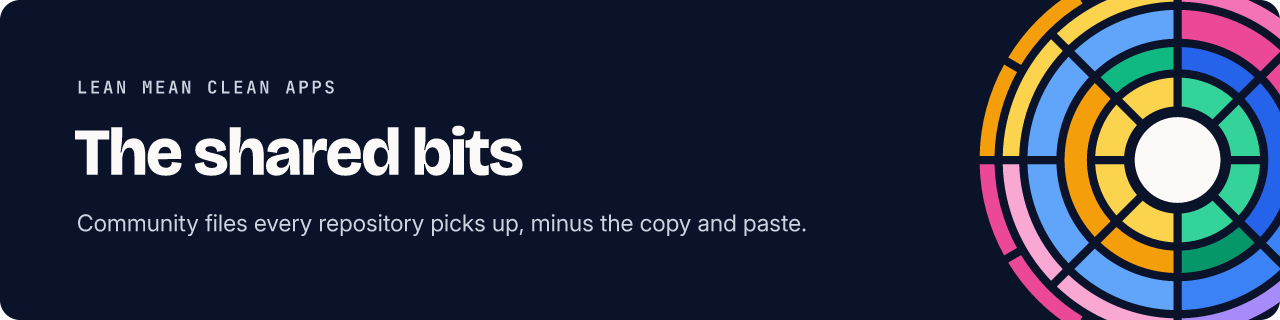
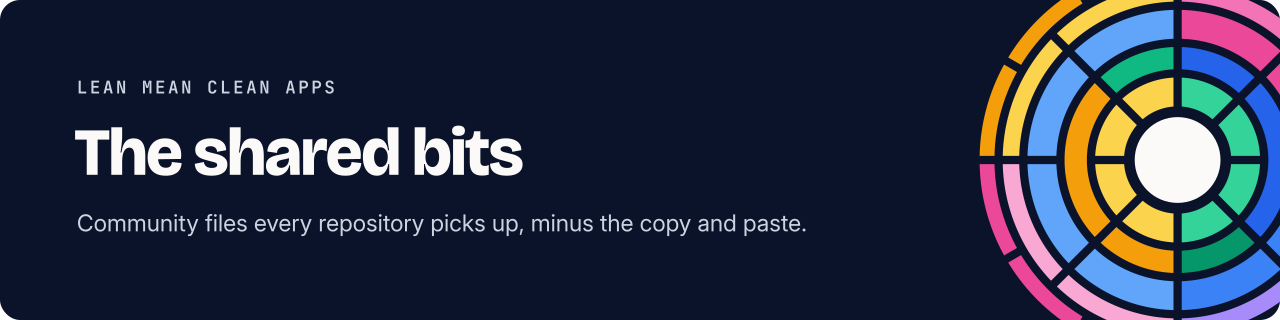
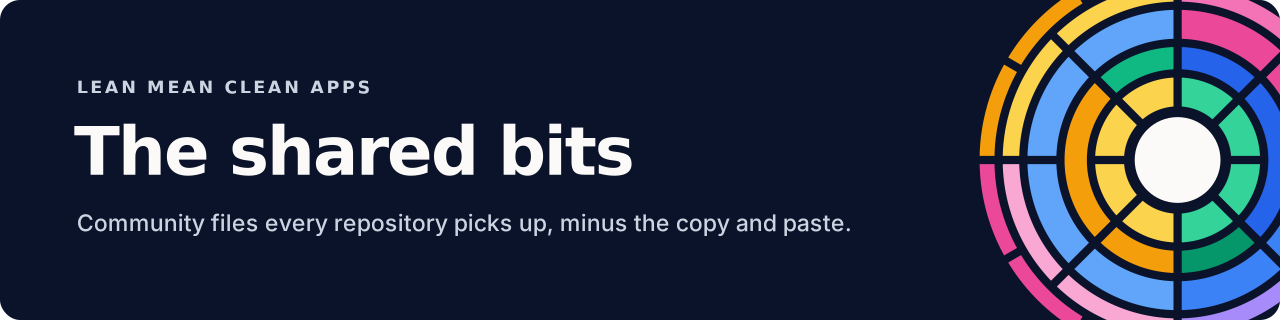
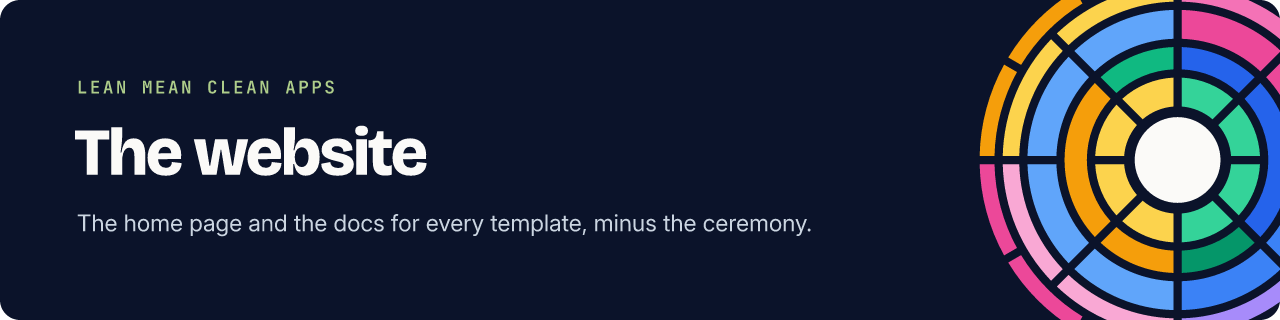
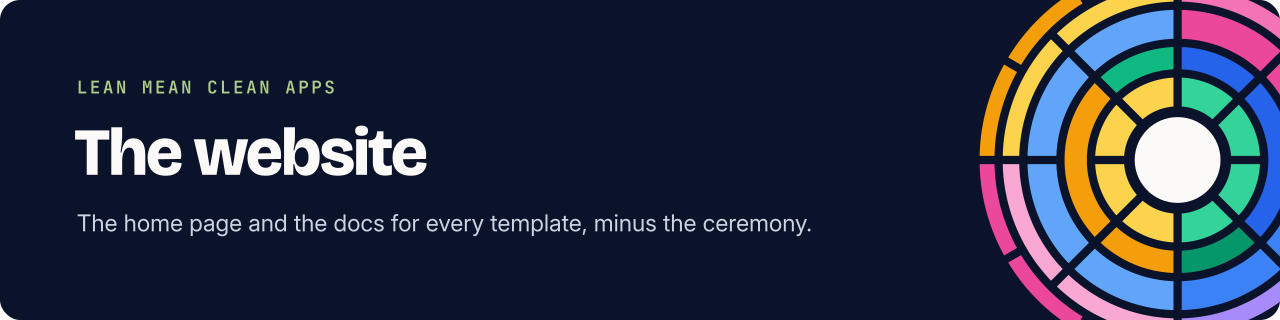
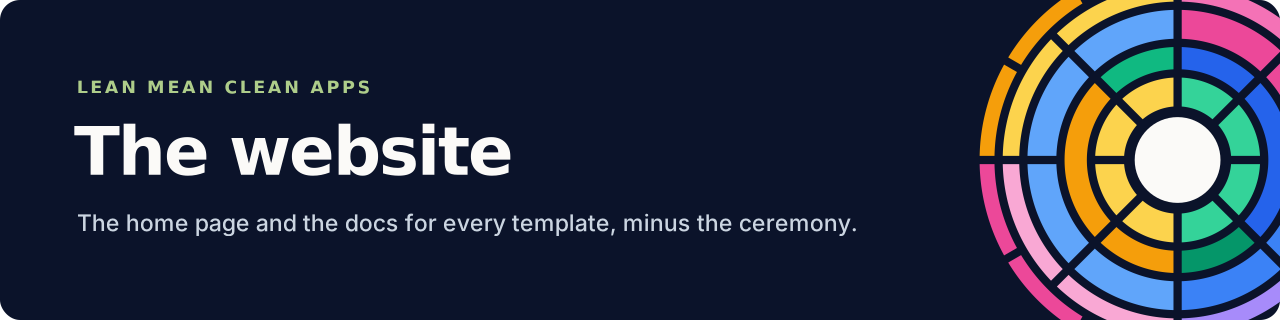
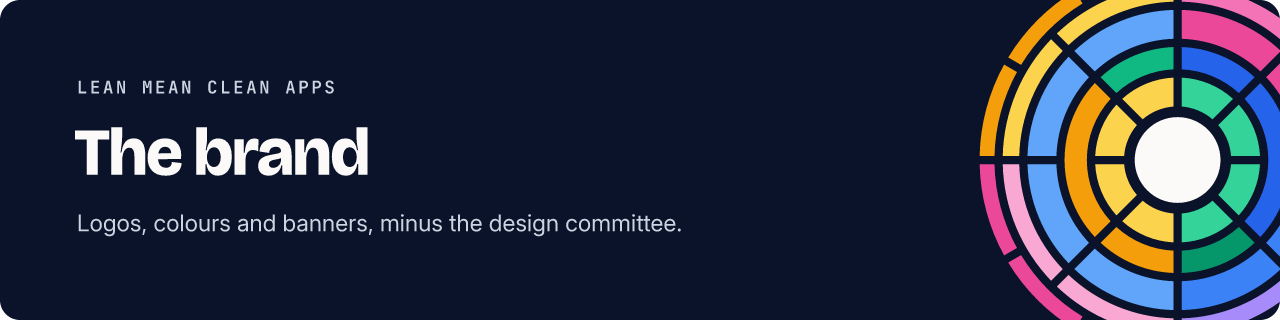
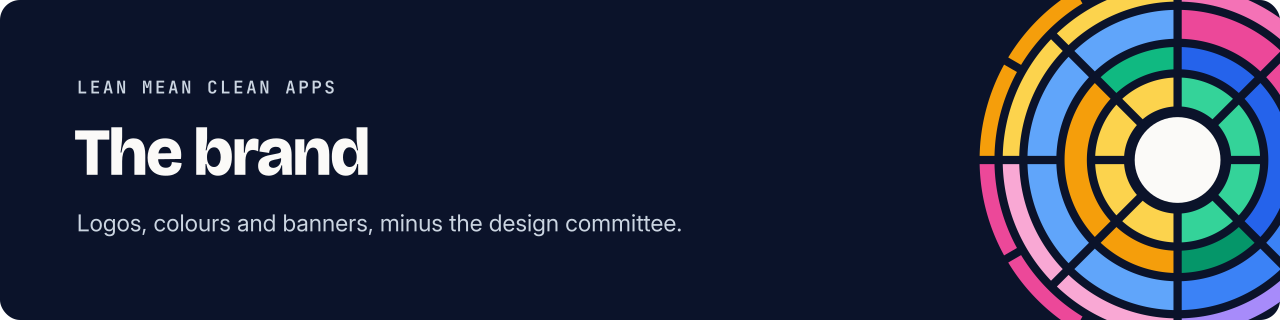
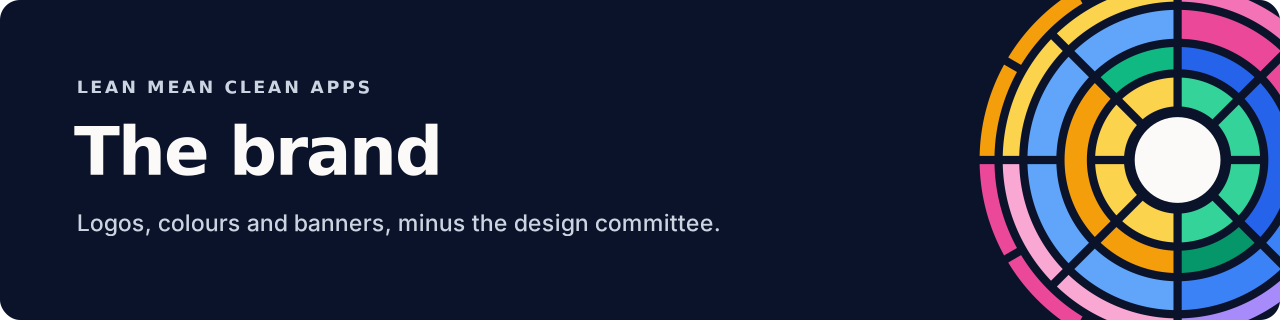
Section titled “README banners”A short strip for the top of each template’s README and NuGet readme, in assets/banners/. It’s dark on purpose, so it reads on GitHub’s light and dark themes and on NuGet.org without a second version. Link it from raw.githubusercontent.com/LeanMeanCleanApps/brand/main/assets/banners/png/<template>.png, so a rebuild here updates every repository at once.


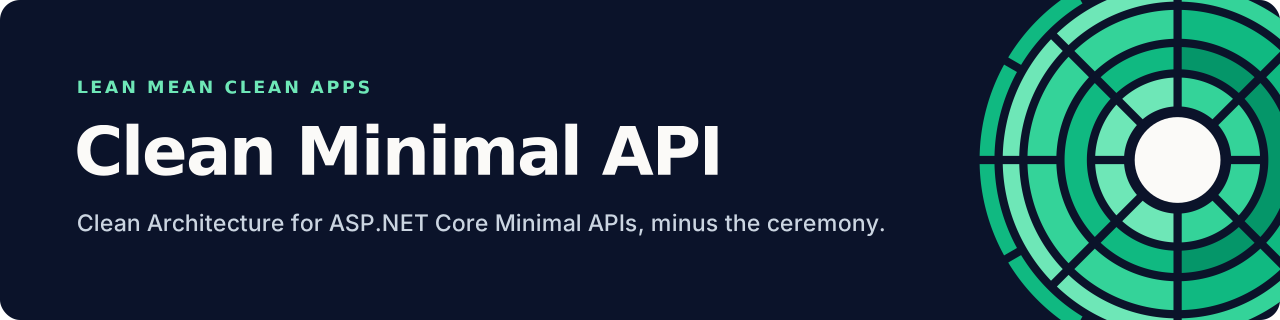
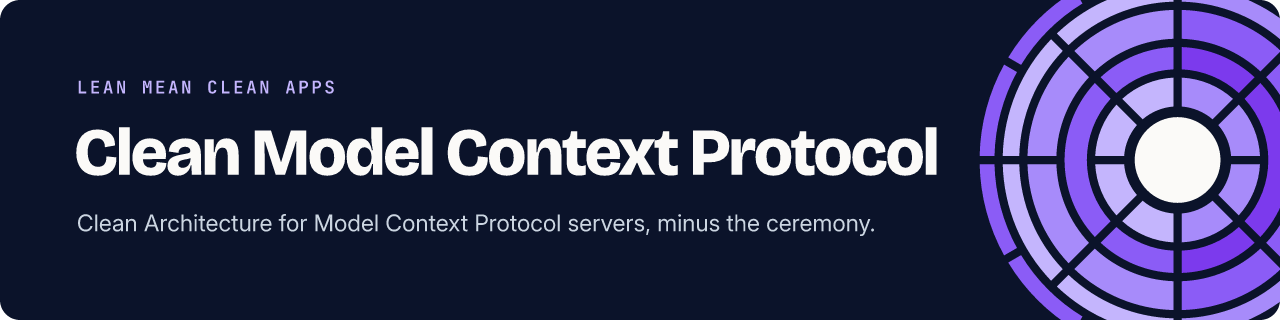
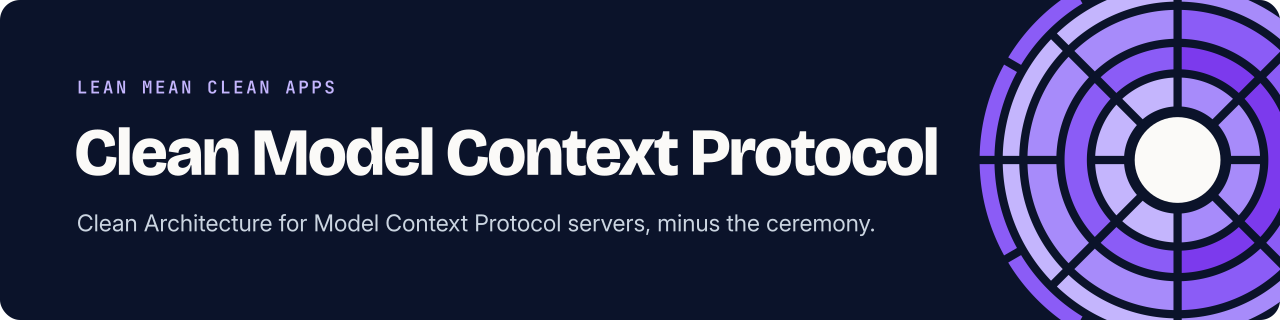
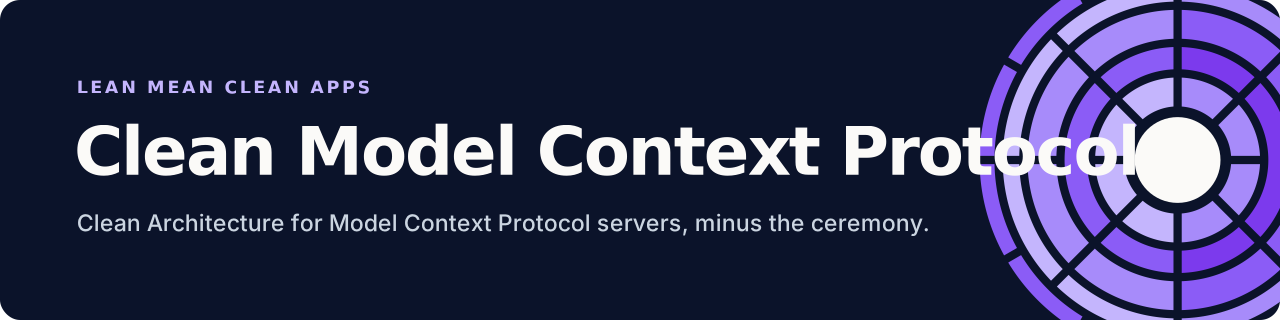
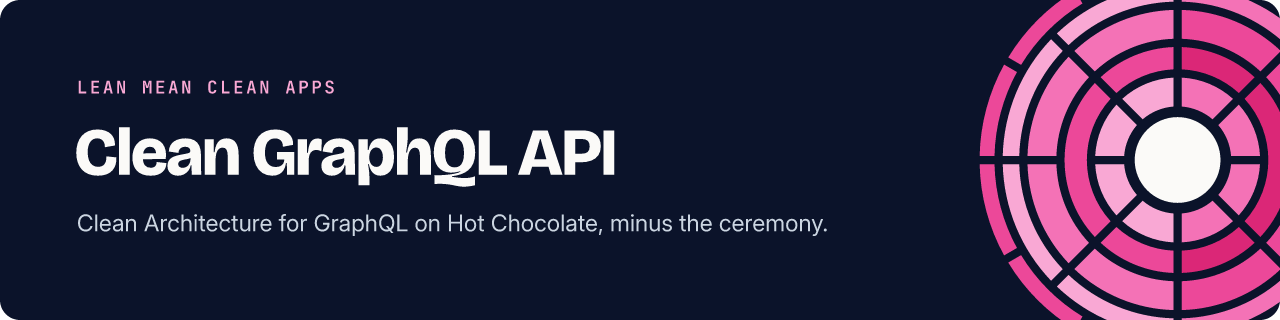
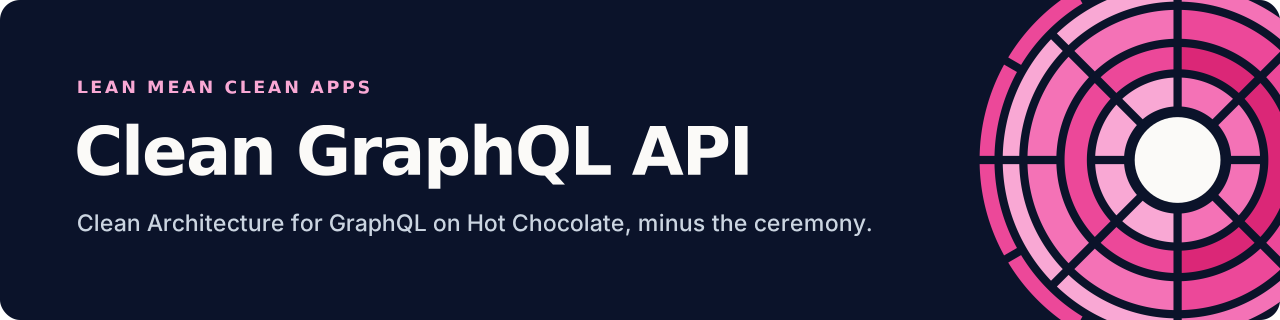
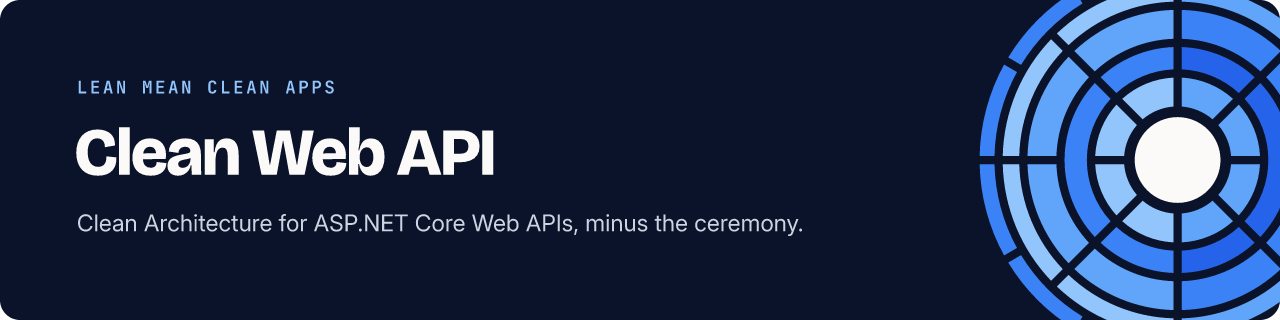
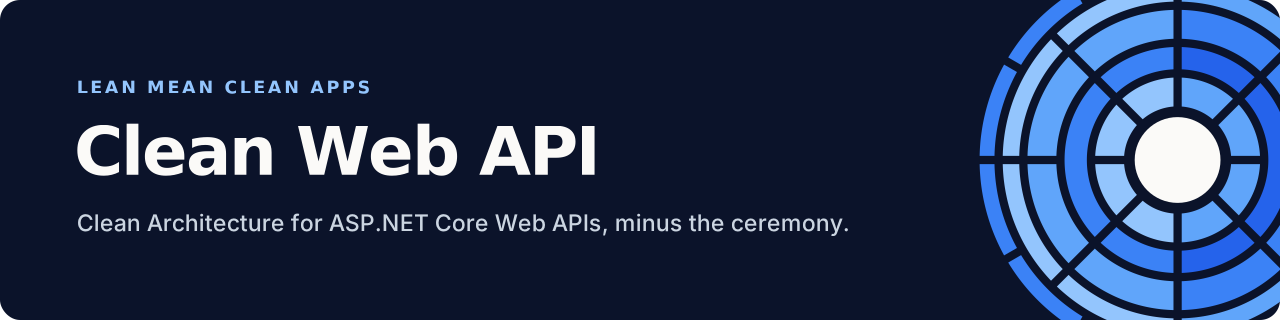



The organisation’s own repositories get the same strip in the spectrum mark: org for .github, site for the website and brand for this repository.
Making a new one
Section titled “Making a new one”Add an entry to the socials list in scripts/build.mjs and run npm run build. The layout adapts to the size you give it: the mark crops off the right edge, and the text block centres itself on the left.